
Window and door condition assessments
PaneProof™
Turn what you see on site into a window or door assessment you can explain.
Photograph one opening, add what you checked in person, and get a recommended next step with the evidence behind it.
For field sales teams, request access to receive a company invitation.
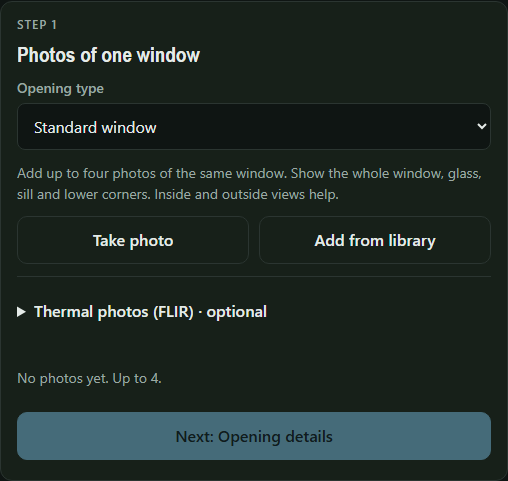
From the opening to the report
Capture one opening
Add up to four photos. Include the whole opening and a close-up of the sill, threshold, hardware, or damage you want assessed.
Record what you verified
Select the frame material if you know it. Add inspection findings and the homeowner’s plans so the recommendation reflects the visit.
Explain the next step
Review the findings and in-person checks. Combine openings into a project, compare installed planning ranges, and save or share the report as a PDF.
About the service
Window Decision Guide™ operates PaneProof. WDG runs the assessment model on its own equipment and processes live assessment photos in working memory. Reps confirm conditions on site and obtain a measured quote for the final scope.
For help with access, the app, or a report, email info@windowdecisionguide.com.